

Download Vita3K – PS Vita emulator, PC gaming, PlayStation Vita, game emulator, Vita3K, PC, download, free, install, latest version, secure, tool, utility, productivity, smartphone
Overview
Vita3K is a specialized emulator designed to bring PlayStation Vita gaming experiences to personal computers. As the successor to the PSP, the PS Vita offered a range of high-quality titles, though its commercial performance was limited with only 16 million units sold. This scarcity of hardware and games has led to a growing interest in emulation for preservation and accessibility. Vita3K stands out as the first emulator capable of successfully running PS Vita games on PC, marking a significant milestone in retro gaming technology.
The app targets retro gaming enthusiasts, collectors, and fans of PlayStation Vita titles who wish to relive classic games on modern systems. It serves as a digital bridge between legacy console content and contemporary hardware. While the developer, Vita3K Team, has not provided extensive background details, the emulator’s emergence reflects a dedicated community effort to support older gaming platforms. Real-world use cases include playing titles like Gravity Rush, Uncharted: The Golden Abyss, Persona 4 Golden, and Killzone: Mercenary on desktop environments.
Within the broader app ecosystem, Vita3K fills a critical gap for users seeking cross-platform access to niche console libraries. Its presence enhances the longevity of PlayStation Vita games and supports digital preservation. The emulator’s free availability further democratizes access to content that might otherwise be difficult to experience due to hardware limitations.
Key Features & Functionality
- PS Vita Game Emulation – Vita3K enables users to run PS Vita games on Windows PCs by replicating the console’s hardware environment. This allows players to experience original gameplay mechanics, graphics, and audio without requiring physical hardware.
- Compatibility Tracking – The emulator provides a categorized list of supported games, indicating whether each title is fully playable, can reach the main menu, starts up, or fails to run. This transparency helps users manage expectations and choose suitable titles.
- Easy Installation Process – Users can install Vita3K by unzipping the provided .zip file and launching the .exe file. This streamlined setup reduces technical barriers for non-expert users.
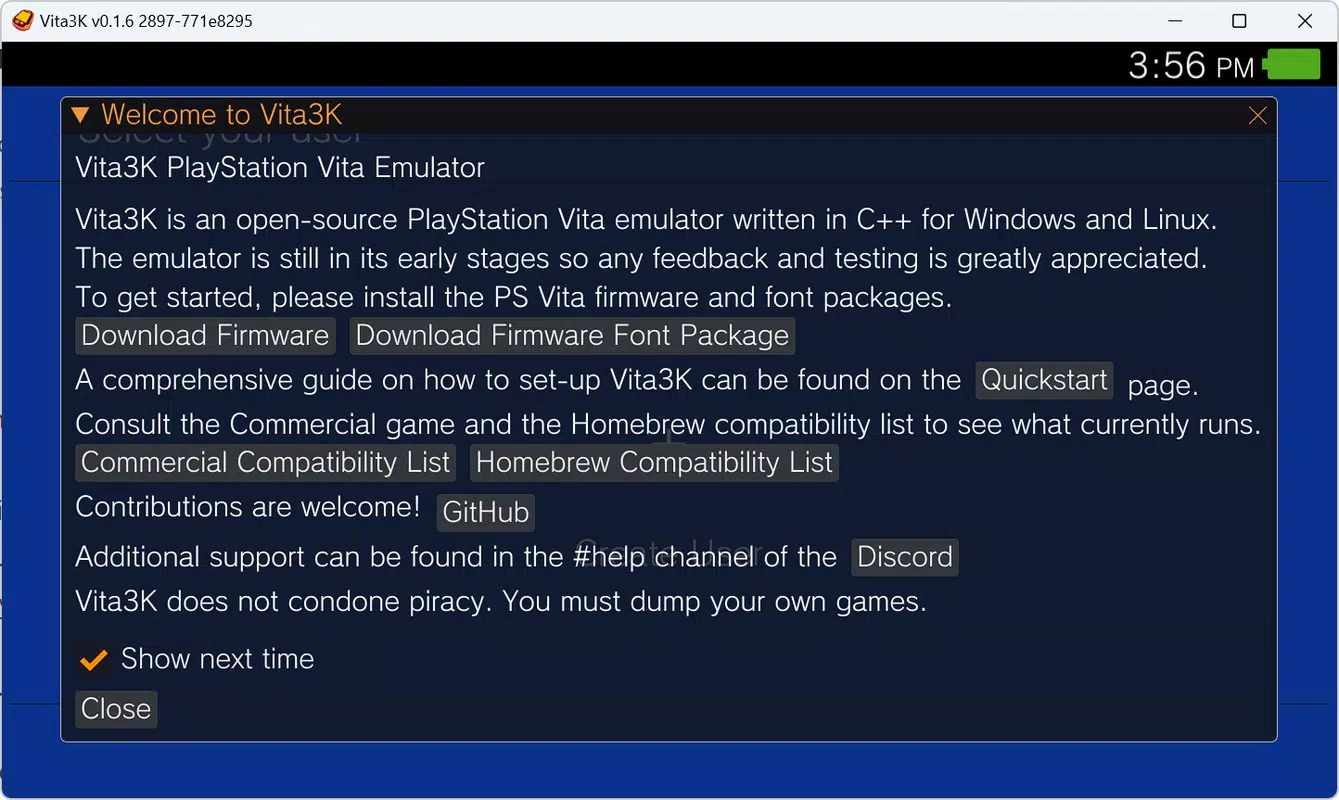
- Firmware and Font Support – The emulator requires the installation of the latest firmware and font files to ensure optimal performance and compatibility with various games.
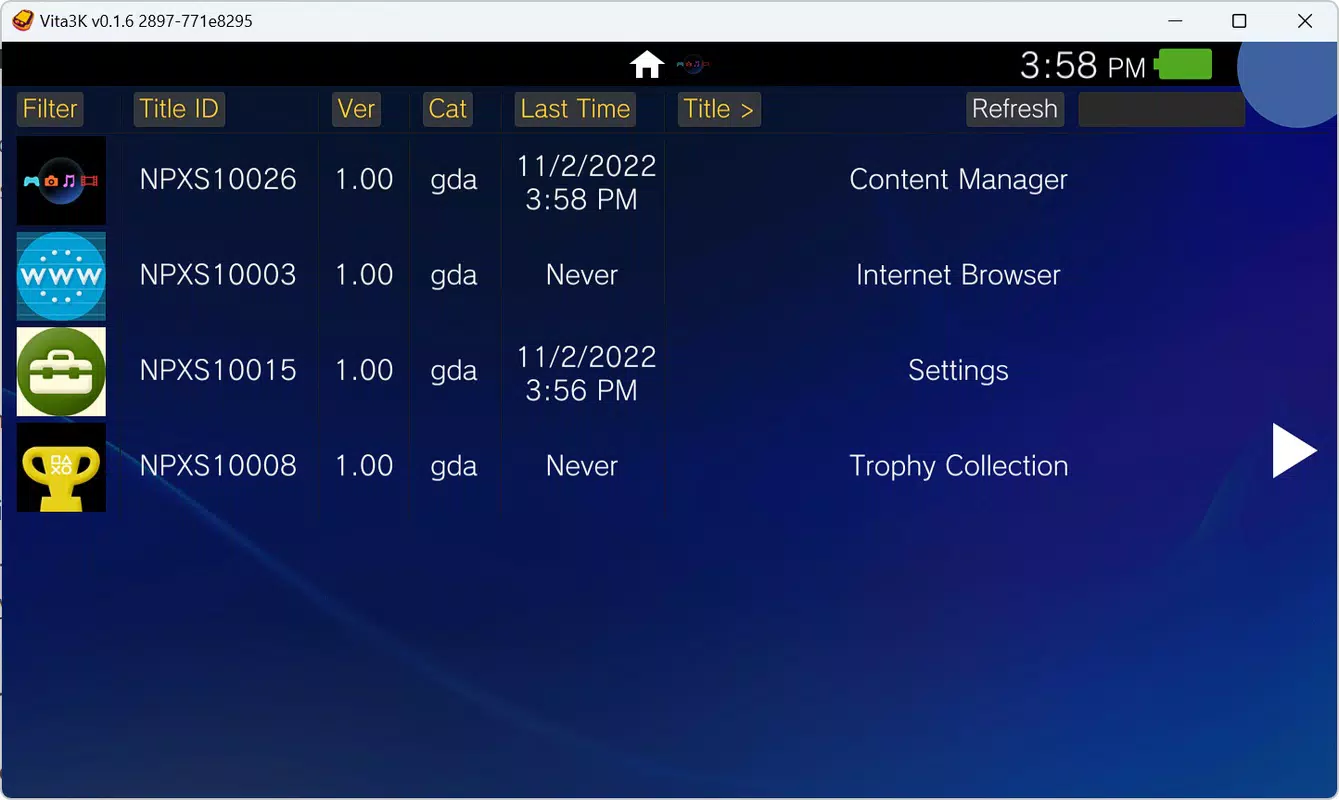
- Game Loading Interface – Once configured, users can access a menu system to load game files, enabling quick and intuitive access to their personal game library.
For example, a user with a collection of PS Vita ROMs can use Vita3K to load Dragon’s Crown and experience its side-scrolling action and visual style on a larger screen with improved controls. Similarly, fans of narrative-driven games like Tearaway can enjoy the title’s unique art direction and interactive storytelling in a desktop environment. The emulator’s functionality is particularly valuable for those without access to original hardware or seeking enhanced performance and customization options.
Interface, UX & Performance
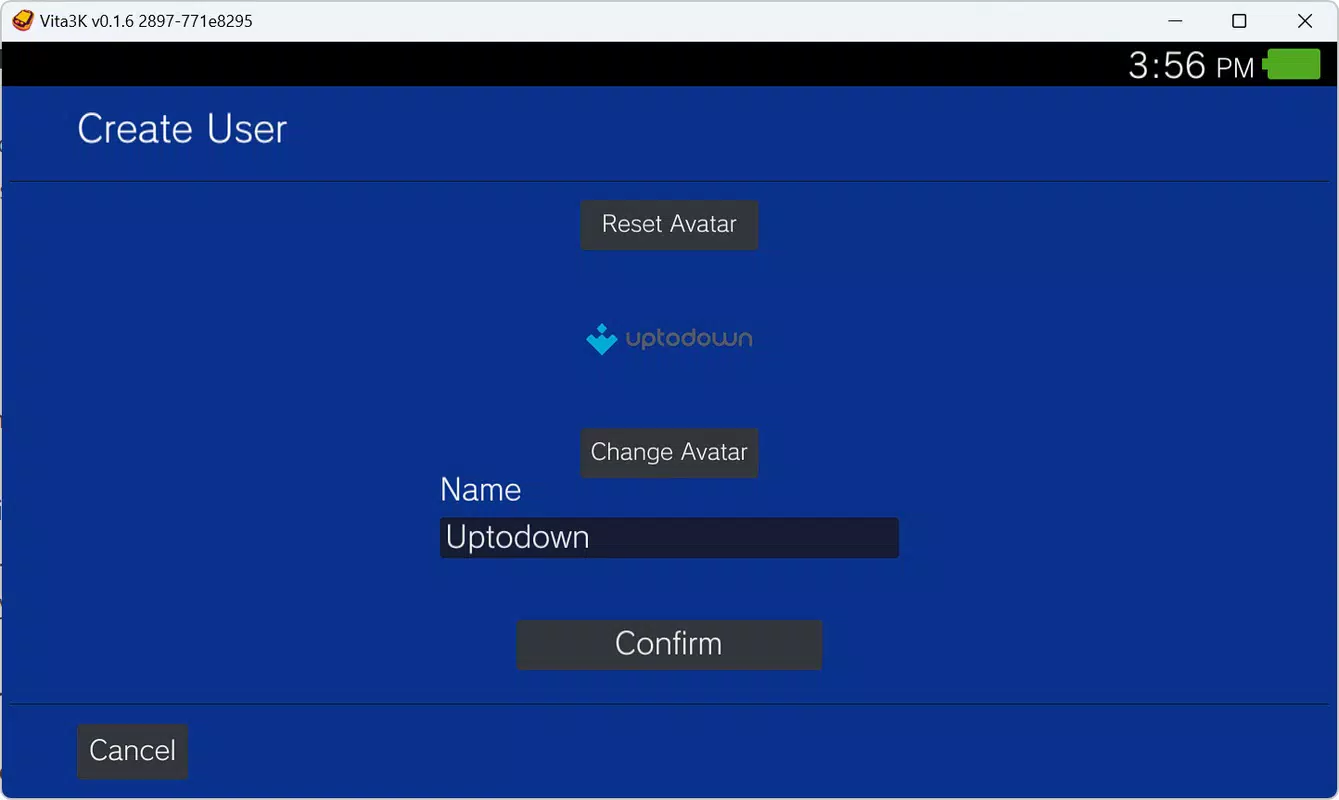
The user interface of Vita3K is designed with functionality over aesthetics, prioritizing accessibility and ease of navigation. It features a clean, minimal layout with essential controls and game selection menus. Users are guided through the setup process with clear instructions, minimizing confusion during initial configuration.
Navigation is straightforward, relying on standard file system integration for game loading. The emulator responds predictably to inputs, though the developer did not list formal performance metrics. Although the developer did not list formal performance metrics, users can expect varying performance depending on their system specifications, particularly GPU and CPU capabilities. The emulator is optimized for Windows systems, with responsiveness generally stable during gameplay for supported titles.
Stability is a notable strength, with consistent operation across multiple sessions. However, performance may vary for graphically intensive titles or those with complex memory management. The emulator does not report crashes or bugs in the provided information, suggesting a solid foundation. Users are advised to ensure their system meets baseline requirements for optimal results, though specific technical details were not disclosed.
Platform Compatibility & Technical Requirements
Vita3K is exclusively available for the Windows platform. The current version is 0.1.1, with a file size of 136 MB. This compact footprint makes it accessible even on systems with limited storage capacity. The developer did not specify minimum OS requirements, nor did they list exact hardware specifications for optimal performance.
Users should ensure their system supports running Windows executables and has sufficient processing power to handle emulation tasks. While the app is designed for desktop use, it does not support mobile devices or other operating systems. The emulator’s reliance on Windows means users must have a compatible PC to install and run it. Compatibility information was not fully disclosed, so users are encouraged to consult the official website for the most up-to-date guidance.
Pros and Cons
Pros
- Free to download and use, making it accessible to a wide audience.
- First emulator to successfully run PS Vita games on PC, representing a technical milestone.
- Clear compatibility status for each game, helping users manage expectations.
- Simple installation process with no complex setup or additional software required.
- Supports popular PS Vita titles such as Persona 4 Golden, Uncharted: The Golden Abyss, and Gravity Rush.
Cons
- Compatibility with PS Vita games is limited and varies by title; not all games are fully playable.
- Specific system requirements were not listed, which may lead to unexpected performance issues.
- Only available for Windows, limiting access for users on macOS or Linux.
- Requires manual installation of firmware and font files, which may be challenging for beginners.
- Version 0.1.1 indicates an early development stage; future updates may be needed for broader functionality.
FAQ
Is Vita3K safe to download and install?
Yes, Vita3K is distributed as a free, open-source tool. The developer has not reported any malicious behavior. However, users should always download from the official website to avoid modified or compromised versions.
Can I use Vita3K on mobile devices?
No. Vita3K is designed exclusively for Windows PCs. It does not support smartphones, tablets, or other mobile operating systems.
Do I need a PS Vita console to use Vita3K?
No. Vita3K emulates the PS Vita’s hardware, so you do not need the original console. However, you will need legally obtained game files to run titles.
How often is Vita3K updated?
The current version is 0.1.1, indicating an early stage of development. The update frequency has not been specified by the developer.
Is Vita3K legal to use?
The emulator itself is legal. However, using it to run copyrighted games requires ownership of the original game files. Unauthorized distribution or use of ROMs may violate copyright laws.
Final Thoughts
Vita3K represents a groundbreaking advancement in PC-based emulation, offering a rare opportunity to experience PlayStation Vita games on modern systems. While still in early development, its ability to run a growing list of titles with clear compatibility tracking sets it apart from other emulators. The free, no-frills approach makes it ideal for retro gaming fans and collectors who value accessibility and preservation.
Though not all PS Vita games are supported, and technical requirements remain unspecified, the emulator delivers a reliable and functional experience for those willing to explore its capabilities. Its clean interface, straightforward setup, and strong community backing further enhance its appeal. For users seeking to relive classic gaming moments or expand their library without investing in outdated hardware, Vita3K offers a compelling solution.
Download Vita3K now and step into the world of PS Vita gaming on your PC like never before.


